
Home / Blog / Why is my auto repair shop not showing up on Google Maps
Listings
Why is my auto repair shop not showing up on Google Maps
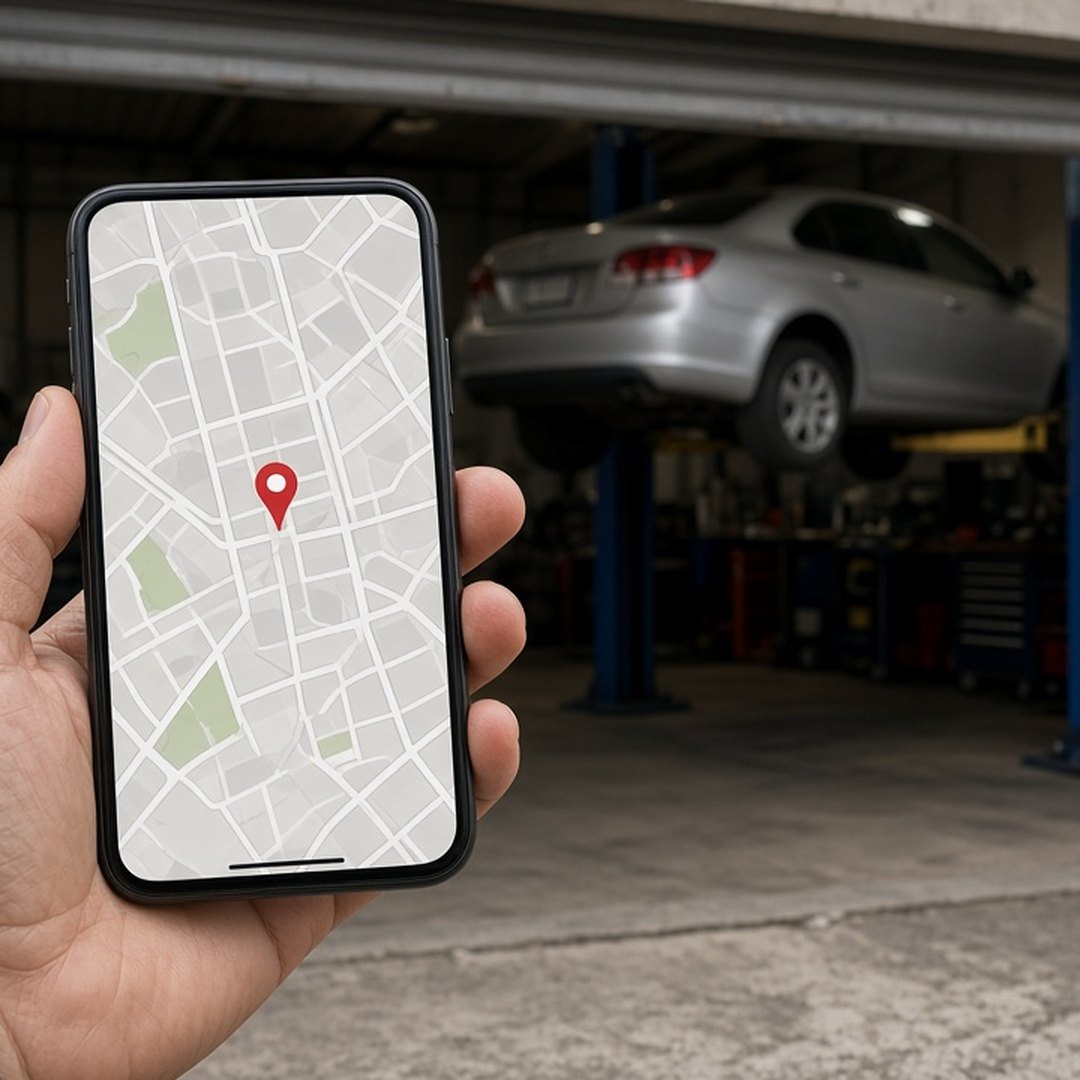
Your auto repair shop is usually not showing up on Google Maps because the profile is not verified, the primary category does not match what the driver searched, another shop sits closer to that driver, or the name, address, and phone disagree from place to place. A duplicate or suspended listing can hide the shop too. Check them in that order. We do not guarantee a ranking, a call count, or a revenue number.
Key takeaways
- An unverified or suspended profile cannot show reliably on Maps.
- The primary category decides which repair searches the shop can fit.
- Distance from the driver matters, and no setting changes the shop's address.
- The name, address, and phone should match everywhere the shop is listed.
- Merge or remove duplicate listings before asking for more reviews.
The profile is not verified or has been suspended
An unverified or suspended profile is the first reason a shop goes missing from Google Maps. Until Google confirms the shop is real and at that address, the listing may not appear at all, or it may appear only when someone types the exact name. A suspended profile can vanish from repair searches overnight.
Start by finding out who owns the profile. Many shops have a login that belonged to a former manager or a past vendor. Get the owner account back under the shop's control before editing anything else. Then check the management panel for a verification prompt, an edit under review, or a suspension notice, and handle that first. Nothing else on this page matters if the listing is not live.
The primary category does not match the search
The primary category decides which repair searches the shop is eligible for. A driver who types brake repair or check engine light is matched against what the shop says it is. If the primary category names something else, or something broader than the work the bays do, the shop can be skipped for the jobs it wants.
Pick the primary category for the work that fills most of the week, then add the services a driver would say out loud. The guide to what goes on an auto repair Google Business Profile covers the category, the services, and the photos in detail. Do not add categories for work you turn away. Those searches bring calls the counter has to refuse.
Another shop is closer to the driver
Distance from the person searching is part of how Maps picks which shops to show, and no setting on the profile changes where the building is. A driver standing next to another shop will usually see that shop first. That is not a penalty. It is the map doing its job.
What the shop controls is how strong the listing is for the drivers who are near it. A verified profile, the right category, real photos of the bays, honest hours, and real reviews all help the listing compete in its own area. Do not add a second address, a mailbox, or a moved pin to reach a town where the bays are not. That is the fastest way to a suspension.
The name, address, and phone disagree
When the shop's name, address, and phone number differ between the profile, the website, and other directories, Google has less reason to trust any of them. A suite number on one page and not another, an old phone number on a directory, or a name with extra words on the profile all make the shop look like two businesses.
Use the name on the sign. Use the street address of the bays. Use one phone number a person answers during posted hours. Make the Auto Shop Marketers home page and every listing you control say the same thing. The website and the profile should agree before anyone spends money sending traffic to either.
A duplicate listing is splitting the shop
A duplicate listing splits the shop's reviews, photos, and calls between two profiles, and Maps may show the weaker one or neither. Duplicates usually come from a lost login, a move to a new address, or a vendor who created a fresh profile instead of claiming the old one.
Search for the shop by name and by phone number. If two listings appear, keep the one with the real history and the verified owner, and ask Google to merge or remove the other. Then put the effort into reviews. A shop that asks for reviews on a duplicate is building the wrong listing.
When the listing is found but the phone stays quiet
A listing that shows up on Maps and still does not ring usually has a problem after the search, not before it. The hours may say open while the door is locked, the phone may go to voicemail, or the photos may make the shop look closed. A listing gets the shop seen. A person answering gets the job.
Once the shop shows up, the work moves to the phone. The article on how to get more calls for an auto repair shop covers the page, the listing, and the person who picks up. We do not guarantee a ranking, a call count, or a revenue number. The goal is a listing that is true, verified, and in one place.
What to check this week
- Confirm who owns the profile and that it is verified and not suspended.
- Set the primary category for the work that fills most of the week.
- Match the name, address, and phone to the sign, the bays, and the website.
- Search by name and phone for duplicates, and merge or remove them.
- Ask for real reviews only after those facts are true.
Questions people ask
Why is my auto repair shop not showing up on Google Maps?
Most of the time the profile is not verified, the primary category does not match the search, or another shop is closer to the person searching. Mismatched facts and duplicate listings are the next things to check. Search for the shop by its exact name first. If it appears for its name but not for a repair search, the listing exists and the category, the services, or the distance are the problem. If it does not appear for its own name, start with verification and suspension.
How do I know if my Google Business Profile is verified?
Sign in to the Google account that manages the profile and open it from Google Search or Maps. The management panel shows whether the profile still needs verification or whether an edit is under review. If nobody at the shop knows which account owns the profile, find that out before changing anything. A second person creating a fresh profile to get around a lost login is one of the most common ways a shop ends up with a duplicate.
Can I show up on Maps in a town where the shop is not located?
Not by moving the pin or adding a second address. The profile describes where the bays are, and distance from the driver is part of how Maps picks results. A shop shows up more often near the building and less often across town. Adding a fake address or a mailbox as a location can get the profile suspended. Ads can reach drivers farther out, but the listing itself stays where the shop is.
Do reviews help a shop show up on Google Maps?
Reviews help once the basics are true. Real reviews from real jobs make the listing more useful to a driver who is choosing between shops, and they give Google more to read about the work you do. They do not fix a wrong category, a missing verification, or a duplicate listing. Ask for reviews after a job went well, reply like a person, and never buy them. A review push on a broken listing points drivers at the wrong facts.
How long after a fix does the shop show up again?
It depends on what was broken. A new verification or an edit under review can take time before it goes live, and a suspension appeal takes longer than a simple correction. Make one fix, write down the date, and search for the shop again from a phone near the bays over the next days. Changing the name, category, and address all at once makes it hard to see which change helped and can send the profile back into review.
Should I put repair keywords in the business name?
No. The name on the profile should be the name on the sign. Adding words like brakes or best mechanic to the name can trigger a review or a suspension, and it makes the listing look less like a real shop. Put the work in the primary category, the services list, and a plain description instead. If the sign itself includes a word like auto repair, it is fine to use it, because that is the real name.

Isaac Donnelson
Isaac Donnelson runs Auto Shop Marketers for auto repair shops. He is the growth partner on the account. He writes about calls, the Google listing, and what a shop actually pays for ads.