
Home / Blog / How to verify a Google Business Profile for an auto repair shop
Listings
How to verify a Google Business Profile for an auto repair shop
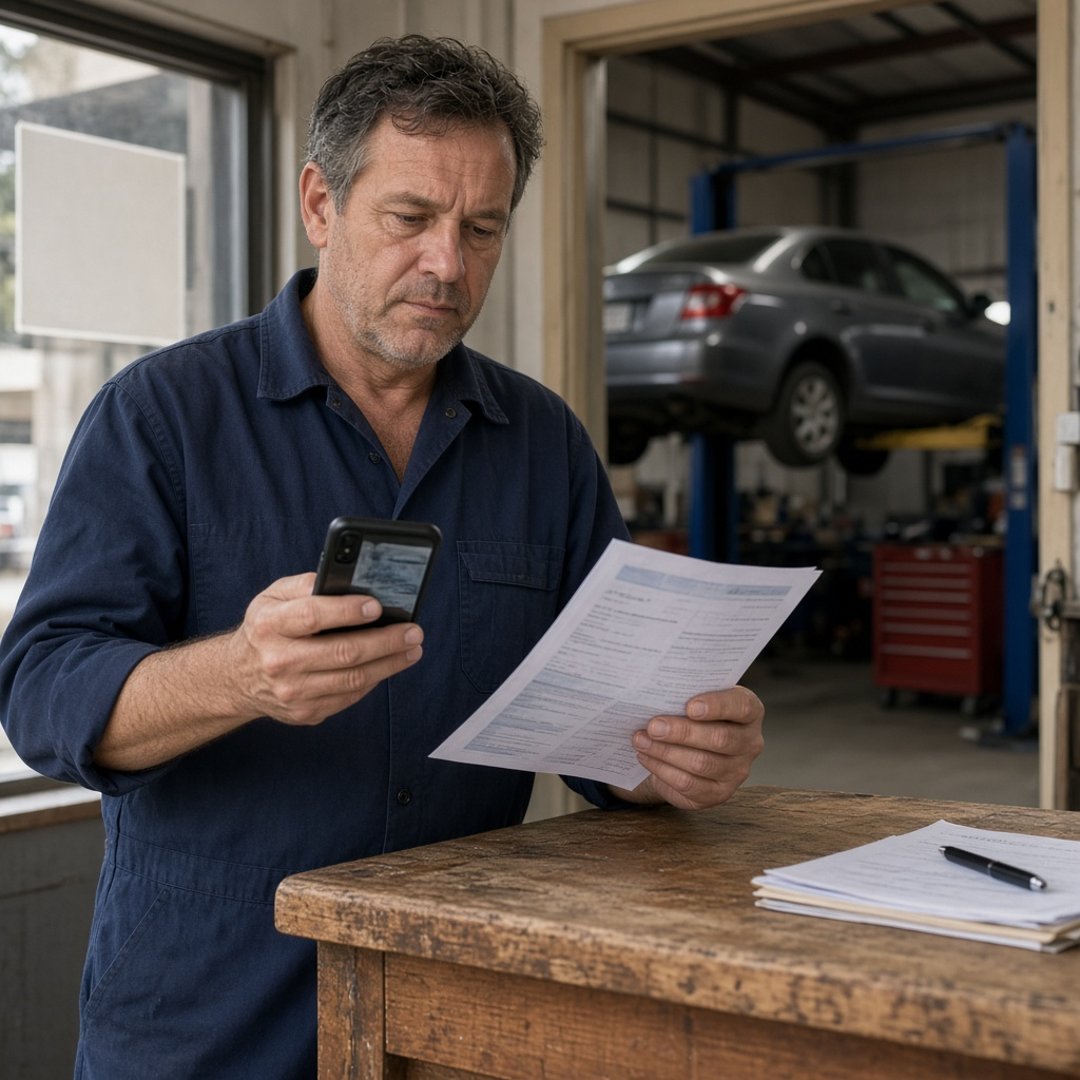
An auto repair shop verifies its Google Business Profile by proving the bays are real. Sign in with an account the shop owns, claim the existing listing, use the name on the sign and the address of the bays, and have photos and a document with that name and address ready. Then finish the method Google offers, often a short video, in one sitting.
Key takeaways
- Verification is Google checking that the shop on the profile is the shop on the street.
- Start from an owner account the shop controls, with a backup manager.
- The name on the sign and the address of the bays must match the paperwork.
- Have the sign, the bays, and a document ready before you open the request.
- Do not edit the name, address, or category while verification is pending.
Verification is Google checking that the bays are real
Verifying a Google Business Profile means proving to Google that the shop on the profile is a real business at a real address, run by the person asking to manage it. Until that happens, the profile may not show reliably and the owner cannot fully control what it says. For a repair shop, the proof is simple: a sign, a building, bays, and paperwork that all agree.
Most of the trouble comes from mismatches, not from the request itself. A name with extra words, an address that is not the bays, or a login nobody can find will slow verification down or stop it. The fix is to get those facts straight before you click anything.
Start with an owner login the shop controls
The first step is to sign in with a Google account the shop owns. Not a tech's personal account, not the old office manager's, and not an agency login the shop cannot reach. Whoever holds that account holds the profile.
Use an account tied to the business, then add a second manager at the shop as a backup. If someone already claimed the listing years ago, recover ownership of that profile instead of starting fresh. A second profile for the same bays is a duplicate, and duplicates are one of the reasons listings get pulled. The article on why a shop profile gets suspended walks through what happens when two listings claim one shop.
Use the name that is on the sign
The business name on the profile should match the permanent sign on the building, word for word. Do not add "Brakes and Transmission," "Best," or the town after it. Those words make the profile disagree with the sign and the paperwork, which is exactly what verification checks.
If the sign and the license use different names, decide which one customers know and make the profile, the website, and the documents agree before you ask Google to verify. Services and specialties belong in the categories and the services list, not in the name. The guide on what to put on an auto repair shop Google Business Profile shows where each of those facts goes.
Use the address where the bays are
The address on the profile should be the street address where cars get worked on. A mailbox, a home address, or a virtual office will not hold up when Google asks to see the business, and it can turn a verification problem into a suspension later.
Check the address against the license and a recent utility bill, down to the suite number. If the shop moved, update the address once, expect to verify again, and do not leave the old location up as a second listing. Distance from the bays to the driver still shapes where the shop shows, which is why a shop that is not showing up on Google Maps often has an address or verification problem underneath.
Have the proof ready before you start
Proof should be gathered before the request, not while a timer is running. Google may ask the shop to record a short video, join a live video call, or confirm a code by phone, text, or email. Some profiles are offered a mailed postcard. Google picks which options appear, and they vary from one business to the next.
Video is common for repair shops, and it is easy to pass if you plan it. Go in daylight. Start at the street, then show the sign on the building, then walk into the bays with the lifts and tools in view. Show that you can open the office or the counter. Keep a license or a utility bill with the shop name and address nearby. One steady take beats three rushed ones.
Leave the profile alone while it is pending
Once the request is in, the best move is to wait. Editing the name, address, or category while verification is pending can send the profile back to the start or flag it for a closer look. Write down the date you submitted and which method you used.
When the profile is verified, make changes one at a time and let each settle. Hours, photos, and services can be kept fresh on a schedule, and the article on how often a shop should update its Google Business Profile separates small updates from the bigger edits that can trigger review again.
Verification is the first step, not the ranking
A verified profile can show and be managed, but verification alone does not decide where the shop appears. The search, the distance from the driver, the primary category, reviews, and how complete the profile is all play a part. A shop that skipped verification is behind every shop that did it.
Treat verification as the floor. Keep the facts true, keep the photos real, and keep asking happy customers for reviews. We do not guarantee a ranking, a call count, or a revenue number.
How to verify a Google Business Profile for an auto repair shop
- Sign in with a Google account the shop owns, not a personal or former employee account, and add a backup manager.
- Search for the shop on Google Maps first, and claim the existing listing instead of creating a second one.
- Enter the business name exactly as it reads on the permanent sign, with no added services or town names.
- Enter the street address where the bays are, and keep it identical to the license and a recent utility bill.
- Gather proof before you start, such as the sign, the open bays, the front from the street, and a document with the name and address.
- Choose the verification method Google offers for that profile and finish it in one sitting.
- Leave the name, address, and category alone until verification is complete, then make one change at a time.
Questions people ask
How do I verify a Google Business Profile for an auto repair shop?
Sign in with a Google account the shop owns, find the existing listing on Maps, and claim it rather than starting a new one. Make sure the name matches the permanent sign and the address is where the bays are. Before you request verification, gather daylight photos or a phone ready to film the sign, the open bays, and the front of the building, plus a license or utility bill with the same name and address. Then complete whichever method Google offers for that profile, and leave the profile alone until it finishes.
What verification methods does Google use for a repair shop?
Google decides which methods a profile can use, and the options vary by business and location. Common ones include a short recorded video, a live video call, a phone call or text, an email, and in some cases a postcard mailed to the address. Many shops are asked for video, because a garage with a sign and bays is easy to show on camera. Use whatever option appears in the profile. You cannot pick a method Google did not offer.
What should a shop show in a verification video?
Show that the business is real and sits at that address. Start outside with the street and a nearby landmark, then the permanent sign with the shop name on the building. Walk into the bays and show the lifts, tools, and work in progress. Show that you can get into the office or the counter, and hold up a document with the business name and address if you have one. Keep it one steady take in daylight. Do not show customer faces or license plates if you can avoid it.
Why does verification keep failing for my shop?
It usually fails because something on the profile does not match what Google sees. The name may include extra keywords, the address may not be the bays, the video may not show the sign or the work area, or there may be a duplicate listing for the same shop. Fix the mismatch first, then try again. Repeated requests with the same problem rarely work. If the profile has been suspended rather than just left unverified, treat it as a suspension and appeal once with proof.
Can I verify a shop profile from home or a mailbox address?
You should verify at the address where cars are actually worked on. A home address, a mailbox store, or a virtual office is not where a driver would find the bays, and it can cause a failed verification or a suspension later. If you run a mobile repair business with no shop customers visit, set it up as a service area business and hide the address. Do not list a storefront you do not have to look like a shop.
What happens if a former manager or agency owns the profile?
You need ownership back before you can verify or fix anything. Ask that person to add the shop's owner account as an owner, then make it the primary owner. If they will not answer, request access to the profile through Google, which can take time. Do not build a second profile in the meantime, because a duplicate listing can get both profiles pulled. Once you have access, keep two managers at the shop so one person leaving does not lock you out again.
Does verifying the profile get my shop to the top of Maps?
No. Verification lets the profile show and lets you manage it, but where it ranks depends on the search, the distance from the driver, the category, reviews, and how complete the profile is. An unverified shop is at a disadvantage, so verification is the first step, not the finish line. After that, keep the facts true and the reviews coming. We do not guarantee a ranking, a call count, or a revenue number.

Isaac Donnelson
Isaac Donnelson runs Auto Shop Marketers for auto repair shops. He is the growth partner on the account. He writes about calls, the Google listing, and what a shop actually pays for ads.