
Home / Blog / How to add services to a Google Business Profile for an auto repair shop
Listings
How to add services to a Google Business Profile for an auto repair shop
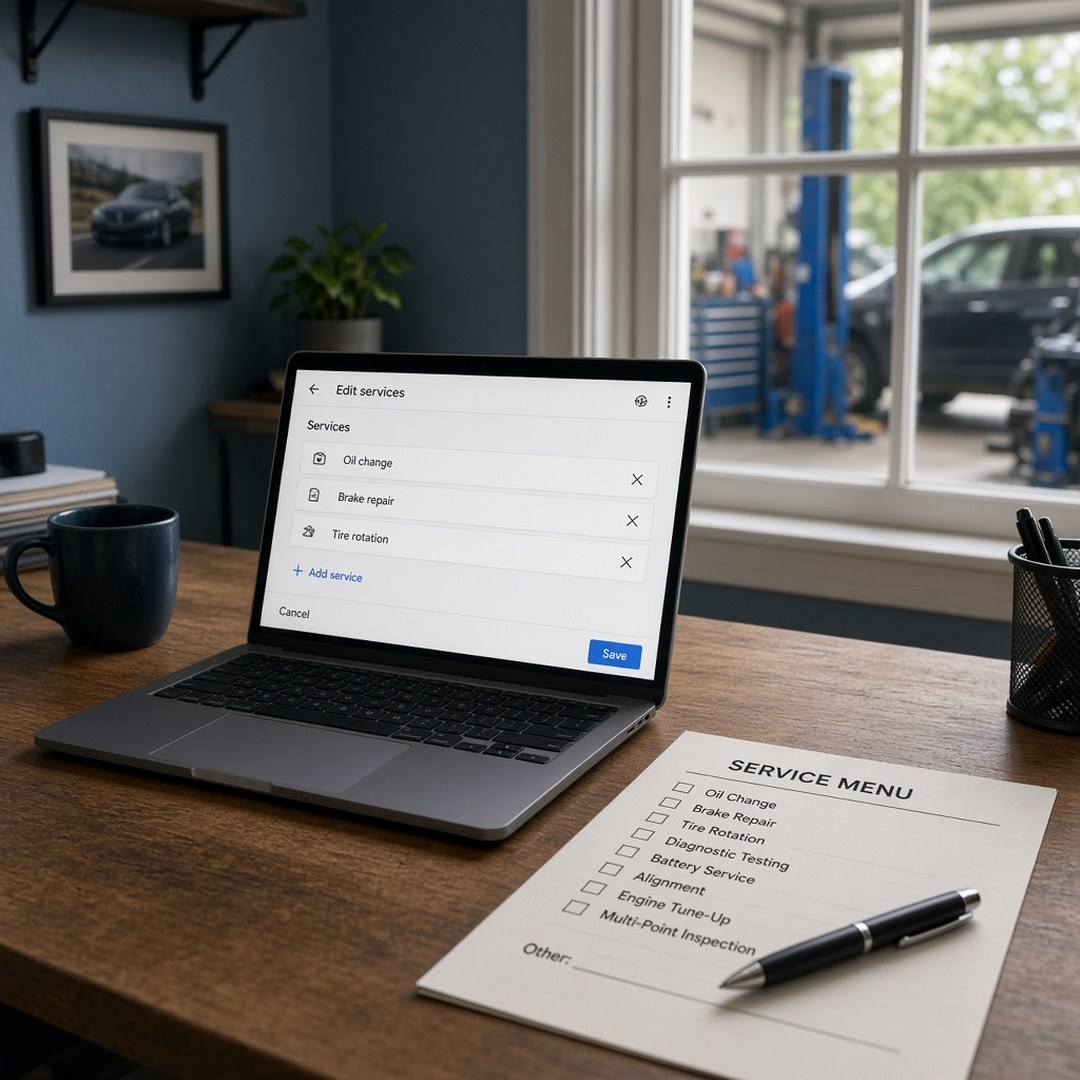
An auto repair shop adds services to its Google Business Profile by listing the work the bays actually take, in the same words drivers already use and the same language as the website. Open the profile the shop owns, add each real job with a short plain description, and leave off work the shop sends out. The goal is one honest menu a driver can trust before they tap Call.
Key takeaways
- List only jobs the bays finish themselves.
- Use the words a driver says on the phone, not a parts catalog dump.
- Match the profile services to the website and the counter menu.
- Skip work the shop farms out, even if another garage nearby does it.
- Revisit the list when the shop drops or adds a line of work.
List the work the bays actually do
An auto repair shop adds services to its Google Business Profile by listing the jobs the bays finish themselves, in the words a driver already uses. The services section is not a place to invent work, pad a menu, or copy every line from a parts catalog. It is the public menu for people who found the shop on Maps or Search and want to know whether this place fixes their car.
If the broader guide on what to put on an auto repair shop Google Business Profile is the full checklist, this article is the part about the services list alone. Get that list right and the profile, the website, and the counter start telling the same story.
Open the profile the shop owns
Sign in with the Google account that owns the listing, then open the services section for that profile. Do not build a second listing just to add services. A duplicate profile for the same bays creates more trouble than a missing menu item, and the article on how to verify a Google Business Profile covers why ownership has to be settled first.
If a former manager or an old agency still holds the login, recover ownership before editing. Services changes made from an account the shop cannot reach are changes the shop cannot fix later.
Write the list in shop language first
Before typing anything into Google, write the list on paper or in a note. Use the words drivers say on the phone: brake repair, oil change, check engine light, battery, alignment, inspection. Match that draft to the website and the paper menu at the front counter. If the site says "brake service" and the counter says "brakes," pick one phrase and use it in all three places.
A parts catalog dump does not help. Drivers do not search for internal job codes. They search for the symptom or the service they already know. Keep the names short and familiar.
Add each real service, then leave the rest off
Add each job the bays take, one at a time, with a short plain description. One or two sentences that say what the work covers is enough. Add a price only when that same number also sits on the website and at the counter. A Google price that disagrees with the quote at drop-off starts the visit on the wrong foot.
Leave off work the shop sends out. If transmissions go to a specialist, paint goes to a body shop, or glass is farmed out, those lines do not belong on this profile. A driver who sees them will expect the bays to finish the job. The same rule applies to work the shop used to do and no longer takes. Old lines that still sit on the profile are false advertising in slow motion.
Make the profile match the website and the photos
When the services are saved, open the public listing on a phone and read it like a stranger. The names should match the website. The photos should show the kind of work on that list, which is why the guide on what photos to put on Google matters here too. A profile that lists alignments but only shows oil changes looks unfinished. A site that hides half the services the profile advertises looks like two different shops.
Category still comes first. Services refine what the shop does inside that category. Fix the primary category and the hours before you polish descriptions. Then keep the services list on the same update habit as the rest of the profile, using the rhythm in how often to update a Google Business Profile.
Keep the list honest when the work changes
When the shop adds a line of work, add it to Google the same week the website and the counter menu change. When the shop drops a line, remove it the same week. A services list that drifts from the lifts is one of the fastest ways for a driver to feel misled after they call.
Services help a driver decide whether to tap Call. They do not, by themselves, move the shop to the top of Maps. Distance, category, reviews, and a verified profile still do more of that work. We do not guarantee a ranking, a call count, or a revenue number. An honest menu is still worth the ten minutes it takes to write.
How to add services to a Google Business Profile for an auto repair shop
- Open the Google Business Profile the shop owns and go to the services section.
- Write down the jobs the bays take every week, using the same words drivers say on the phone.
- Match that list to the website and the front counter menu before you type anything in.
- Add each real service one at a time, with a short plain description and a price only if the shop posts one everywhere.
- Leave off work the shop sends out, parts-only jobs, and anything the bays do not finish themselves.
- Save, then spot-check the public listing on a phone so a driver sees the same list as the site.
Questions people ask
How do I add services to a Google Business Profile for an auto repair shop?
Sign in to the Google Business Profile the shop owns, open the services section, and add each job the bays take. Use short names a driver would say, like brake repair, oil change, or check engine light, and write a plain one or two sentence description. Match the list to the website before you save. Leave off work the shop sends out. Then check the public listing on a phone to confirm a stranger sees the same menu.
What services should an auto repair shop list on Google?
List the work the shop actually does week after week. Brakes, oil, diagnostics, batteries, alignments, inspections, and similar jobs belong if the bays finish them. Use the same wording that sits on the website and the paper menu at the counter. Do not pad the list with every part number or every specialty the owner once trained on. A short, true list beats a long one that overpromises.
Should a shop list work it sends to another garage?
No. If the shop does not finish the job in its own bays, leave it off the Google services list. A driver who sees transmission rebuild or paint on the profile will assume the shop does that work. When the car gets handed to someone else, trust takes a hit, and the listing starts to disagree with the place on the street. Put only what this shop completes.
Do services on Google need prices?
Only if the shop is ready to post the same price on the website and at the counter. A price on Google that does not match the quote at drop-off creates an argument before the job starts. Many shops leave price blank and describe the job instead. If you do add a number, keep it current and identical everywhere a driver can see it.
How detailed should each service description be?
One or two plain sentences is enough. Say what the job covers and who it is for, in shop language. Skip marketing slogans, guarantees, and a wall of part names. The description should help a driver decide whether this is the right call, not sell them a package. If a service needs a long explanation, put that on the website and keep the Google line short.
How often should a shop update its Google services list?
Update it whenever the shop adds or drops a line of work, and glance at it during the regular profile check. The guide on how often to update a Google Business Profile covers that rhythm. A services list that still advertises a job the bays stopped taking is as misleading as a wrong hour. Keep the list tied to what happens on the lifts this month.
Do services help a shop show up higher on Google Maps?
Services help the profile match what a driver searched for, and they make the listing more complete. They do not by themselves put the shop at the top of Maps. Distance, category, reviews, and whether the profile is verified still matter. We do not guarantee a ranking, a call count, or a revenue number. Get the services honest first, then keep the rest of the profile true.

Isaac Donnelson
Isaac Donnelson runs Auto Shop Marketers for auto repair shops. He is the growth partner on the account. He writes about calls, the Google listing, and what a shop actually pays for ads.